Hidden Objects: Seek and Find in 22 Illustrated Scenes
Free hidden object games in 22 richly illustrated scenes, from a dusty attic to a coral reef and a moonlit manor. Every replay hides a new set in new places. Play relaxed with no clock, race a timer for combos, or try the Daily Hidden Objects scene, the same for everyone.
What is Hidden Objects?
Hidden Objects is a free seek-and-find game you play in your browser, on a phone, tablet or computer. Each round drops you into a busy illustrated scene, such as a cluttered attic, a wizard's study, a pirate cove or a space cargo bay, with a list of things to find. Spot one, tap it, and it lifts out of the picture with a sparkle and ticks itself off the list.
Every object is really there and always fair to find, but not always easy. Some are tucked behind other things, some are turned on their side, some sit in shadow or take on the colours around them. Each scene holds far more objects than one round needs, so every replay hides a different set in different places, and no two rounds are the same.
Play Relaxed with no clock and no penalties, switch to Timed to chase combos and a high score, or open the Daily Hidden Objects scene, which is the same for every player each day. Hints spotlight the area around an object and recharge on their own, and a pictures-only list makes it easy for young players who are still learning to read.
How to play Hidden Objects
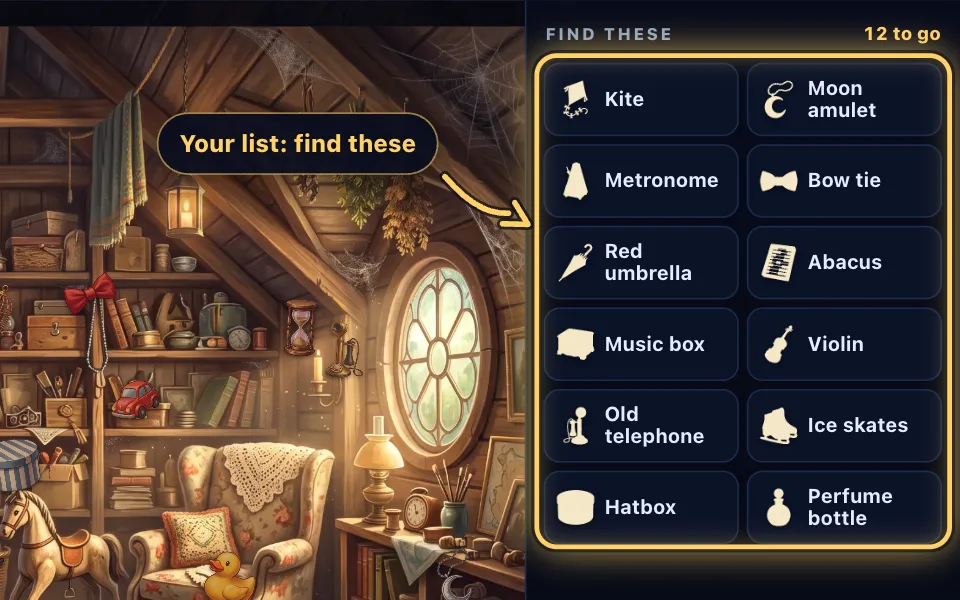
Check your list
Every scene comes with a list of objects to find. Show it as names, picture silhouettes for young players, or both.
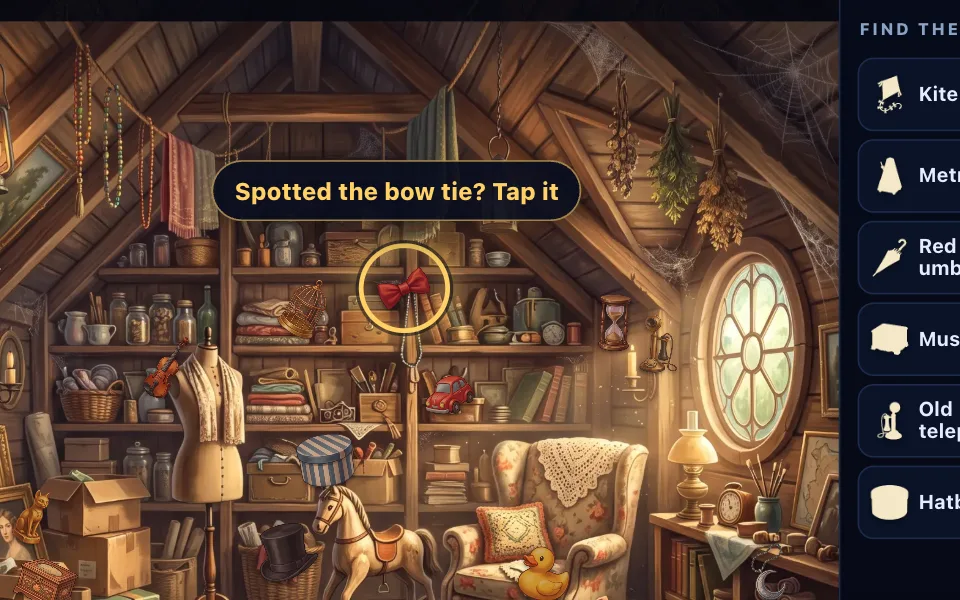
Spot it and tap it
Search the picture and tap or click an object on the list when you see it. Objects can be turned, tinted or tucked behind things, but are always visible.
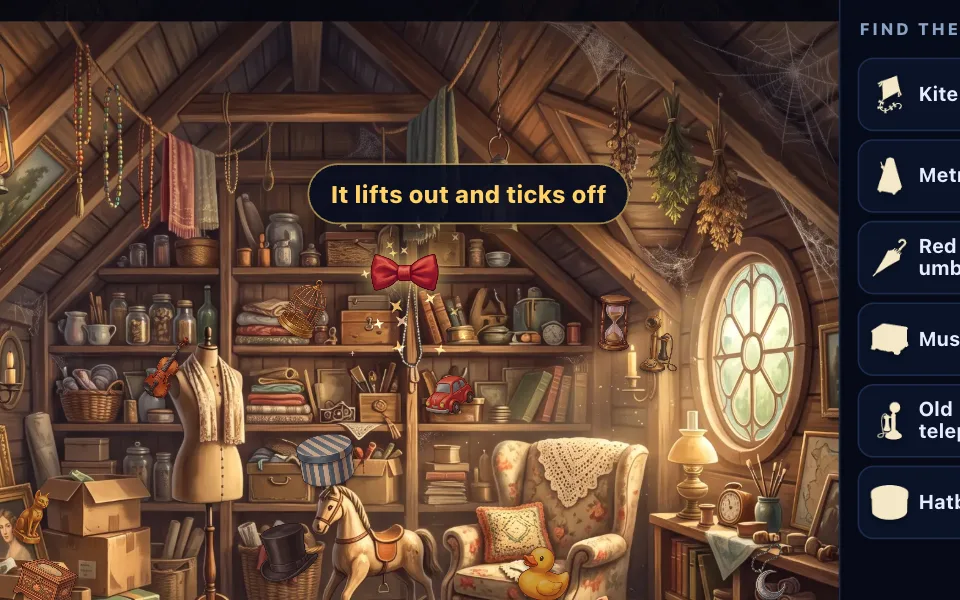
Watch it lift out
A find lifts out of the scene with a sparkle and ticks off the list. On a phone the list refills with the next object.
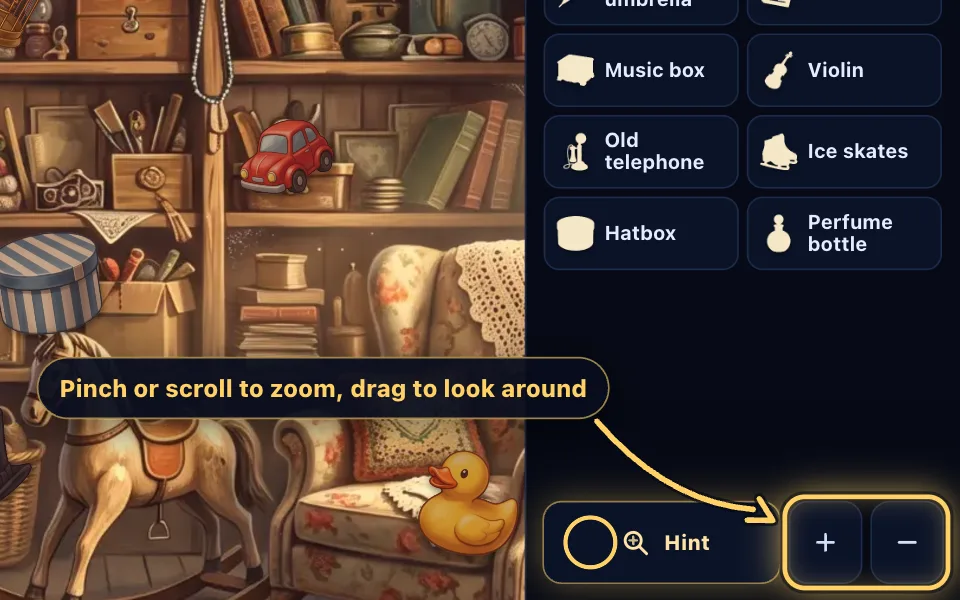
Zoom in close
Pinch or scroll to zoom, drag to look around, and use the minus button to see the whole scene again.
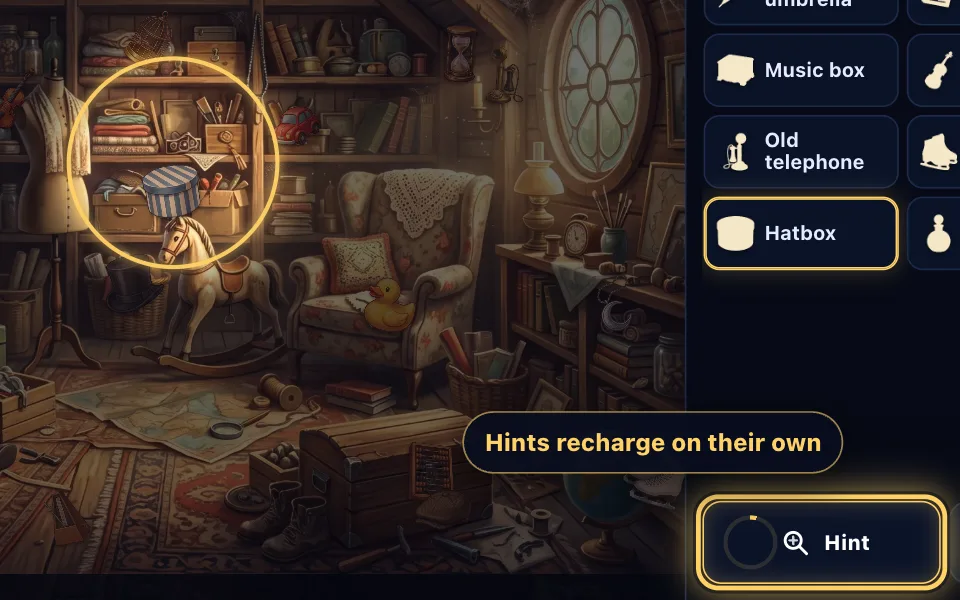
Use a hint when stuck
Hint spotlights the area around an object: the one you picked on the list, or the one you've hunted longest. Hints recharge on their own.
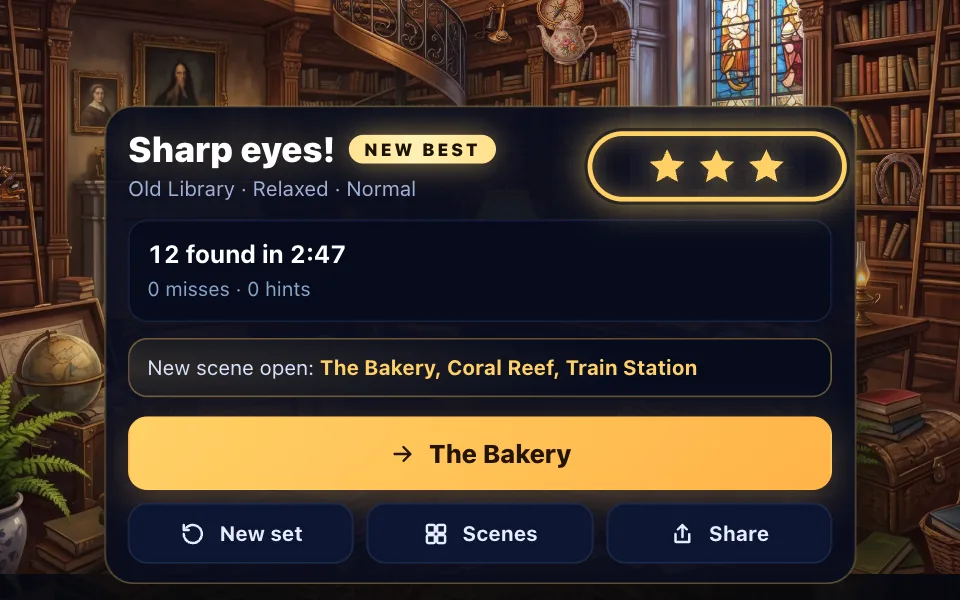
Clear the scene
Find everything to clear the scene and earn up to three stars. Each clear opens another scene, and every replay hides a new set.
The rules in full
- Look at the list: it shows the objects hidden in the scene, by name, by silhouette, or both.
- Search the picture. Pinch or scroll to zoom in, drag to look around, and press the minus button to see the whole scene again.
- Tap or click an object when you spot it. If it is on the list, it lifts out with a sparkle and ticks off. On a phone the list shows a few objects at a time and refills as you find them.
- Find every object to clear the scene. Each round picks a fresh set of objects and new hiding places, so you can replay a scene as often as you like.
- Stuck? Press Hint. A glowing circle spotlights the area around one object, the one you picked on the list or else the one you have been looking for longest. Hints recharge on their own.
- In Relaxed mode there is no clock on screen and no penalty for a wrong tap; your time only shows when you clear the scene. Clear it without hints for three stars.
- In Timed mode the clock counts down. Finds within five seconds of each other build a combo worth up to five times the points, a random tap costs 25 points, and three random taps in quick succession fog the magnifier for three seconds.
- The Daily Hidden Objects scene is the same for everyone. The clock runs from the start and each miss adds three seconds, so a careful eye beats a fast finger.
- With a keyboard, the arrow keys move a magnifier across the scene and Space looks there; plus and minus zoom, and H asks for a hint.
Hidden Objects tips and strategy
- Read the shape, not just the colour. Objects are often tinted to match their surroundings, so look for an outline that doesn't belong.
- Work the scene in strips: left to right along the top, then the middle, then the floor, rather than darting about.
- Zoom into the busiest corners first. Shelves, piles and clutter are where most things hide.
- Objects are often turned at an angle or mirrored. A key or a ring lying on its side is easy to miss.
- If something seems to be peeking out from behind another object, it probably is. Objects can be partly covered, but never hidden completely.
- In Timed mode, find two or three objects you have already spotted in quick succession to build a combo before you hunt for the hard ones.
- Tap a name on the list before asking for a hint, and the hint will look for that object. Ask twice and the circle gets smaller.
- Switch the list to Pictures in Settings when playing with young children: the silhouettes show the shape to look for.
Free hidden object games in 22 scenes
Hidden Objects has 22 scenes, each a full illustrated room or place with its own mood and light: the attic, a toy room, a farmhouse kitchen, a market square, a garden shed, an old library, a bakery, a coral reef, a train station, a wizard's study, a pirate cove, a museum hall, a greenhouse, an inventor's workshop, a forest campsite, an artist's studio, a winter cabin, a theatre backstage, a space cargo bay, an observatory, jungle ruins and a moonlit manor.
There are more than 240 different objects to find, from a brass key and a pocket watch to a dragon egg, a sea turtle and a toy rocket. Each scene draws on a pool of 37 to 62 that suit it and leaves out things its painting already shows, so the thing you are asked to find doesn't have a painted twin to trick you.
The first three scenes are open from the start, and every scene you clear opens another. A scene opens when any of the three before it is cleared, so a picture that gives you trouble never blocks the way.
How the objects are hidden
Each round, the game picks your list from the scene's pool and places every object in the busy parts of the picture, where clutter gives it cover. Then it hides them the way a good seek-and-find picture does: a little smaller or larger, turned at an angle, sometimes mirrored, tinted toward the colours around them, or left in shadow.
Some objects that are not on your list are scattered in as decoys, and a few of them may tuck partly over an object you are looking for. The game checks every placement so that list objects never sit on top of each other and never lose more than about a third of their shape behind something else.
Taps are exact. A find counts when you touch the object's own pixels, with a small allowance around the edges for fingertips, and an object that looks tiny on your screen gets a bigger allowance.
Relaxed, Timed and three difficulty levels
Relaxed mode is the calm way to play: no countdown, no score and no penalty for a wrong tap, with hints that recharge every 20 seconds. It is a good fit for winding down or for playing with children.
Timed mode adds a countdown and a score. Each find is worth 100 points, multiplied by your combo when you find objects within five seconds of each other. Time left at the end is worth five points a second, with 300 more for a round with no misses, and random tapping costs points, so a steady search pays.
Choose Easy for 8 larger, plainer objects, Normal for 12, or Hard for 15 smaller objects that blend in more, turn further and hide behind more decoys.
The Daily Hidden Objects scene
A new daily scene arrives every day, built from the same seed for every player, so you and your friends search for the same 12 objects in the same places. The clock runs from the moment the scene appears, and each miss adds three seconds to your time.
Clear it to grow your streak, play past days from the calendar, and see the fastest times of the day on the daily board. Share your result with a tap.
Hidden pictures on your phone, tablet or computer
The game is built for touch first: pinch to zoom, drag to look around, and tap to find. On a phone the list sits under the picture and refills as you go; on a wide screen it moves to a side panel that shows every object at once. Press Full screen for the biggest view.
With a mouse, the scroll wheel zooms around the pointer. With a keyboard you can play the whole game: the arrow keys move a magnifier, Space looks, and the list reads out to screen readers with each object's name and whether it has been found.
Your progress, stars, stats, daily streak and any unfinished round are saved in your browser, so you can close the page and pick up where you left off.
Hidden Objects FAQ
Is Hidden Objects free to play?
Yes. Hidden Objects is free in your browser with no download, no account and no ads. Make a free account if you want your stars and daily times on the leaderboards on every device.
How do I play a hidden object game?
Look at the list of objects, search the picture, and tap or click each one when you spot it. Found objects lift out of the scene and tick off the list. Find them all to clear the scene.
Are the objects in the same place every time?
No. Each scene has far more objects than one round uses, and every replay picks a new set and new hiding places. Only the Daily Hidden Objects scene stays the same, so everyone can compare times.
Is there a time limit?
Only if you want one. Relaxed mode has no time limit and no clock on screen. Timed mode gives you a countdown and a score, and the daily scene times how long you take.
How do hints work?
Press Hint and a glowing circle spotlights the area around one object. It looks for the object you picked on the list, or the one you have been searching for longest. Hints recharge on their own and are always free; ask twice for the same object and the circle tightens.
What happens if I tap the wrong thing?
In Relaxed mode, nothing: take your time. In Timed mode a random tap costs 25 points and resets your combo, and in the daily scene each miss adds three seconds. In both, three random taps in quick succession fog the magnifier for three seconds.
Is it suitable for children?
Yes. The scenes are friendly and colourful, Relaxed mode has no pressure, and the list can show picture silhouettes instead of words for children who are still learning to read. Easier tapping in Settings widens the area that counts as a find.
Can I zoom in on my phone?
Yes. Pinch with two fingers to zoom and drag with one to look around. On a computer the scroll wheel zooms around the pointer, and the plus and minus buttons work everywhere.
How many hidden object scenes are there?
There are 22 scenes and more than 240 different objects. Each scene can be played at three difficulty levels in Relaxed or Timed mode, and every replay is a new arrangement.
How do stars work?
In Relaxed mode, clear a scene without hints for three stars, with one or two hints for two, and with more for one. In Timed mode, three stars need at least 40% of the clock left and no more than one hint. Your best stars for each scene are kept.
Is my progress saved?
Yes. Your stars, best scores, stats, daily streak and any unfinished round are saved in your browser on this device. Leave the page and come back to carry on where you stopped.
More games
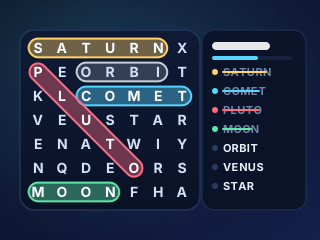
Word Search
Free themed word search puzzles: a new daily grid, unlimited puzzles in 66 themes, three sizes, hints, a timer and best times.
PLAY →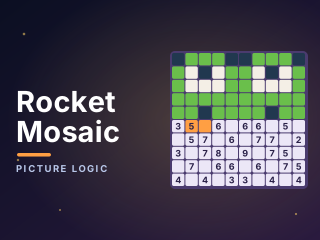
Rocket Mosaic
Every number counts the filled tiles around it. Use them to colour the grid and reveal a hidden picture, from quick 10×10 puzzles to grand 30×30 scenes.
PLAY →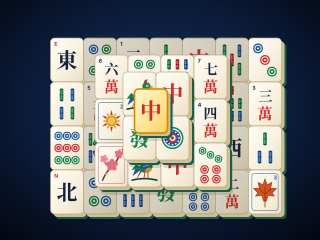
Mahjong Solitaire
Match free tiles to clear all 144 from six classic layouts. Every deal can be won, with hints, undo, solvable shuffles and a saved game.
PLAY →